 Metabrain
 MetaPipe
 MetaHub
Most teams already pay for Pipedrive and an AI app like Claude or ChatGPT. The two don’t talk. So you copy a deal into a chat window, then follow AI’s instructions manually in Pipedrive, and hope nothing got garbled on the way. MetaPipe is what makes your AI do the work instead of writing tutorials for you.
What MetaPipe is
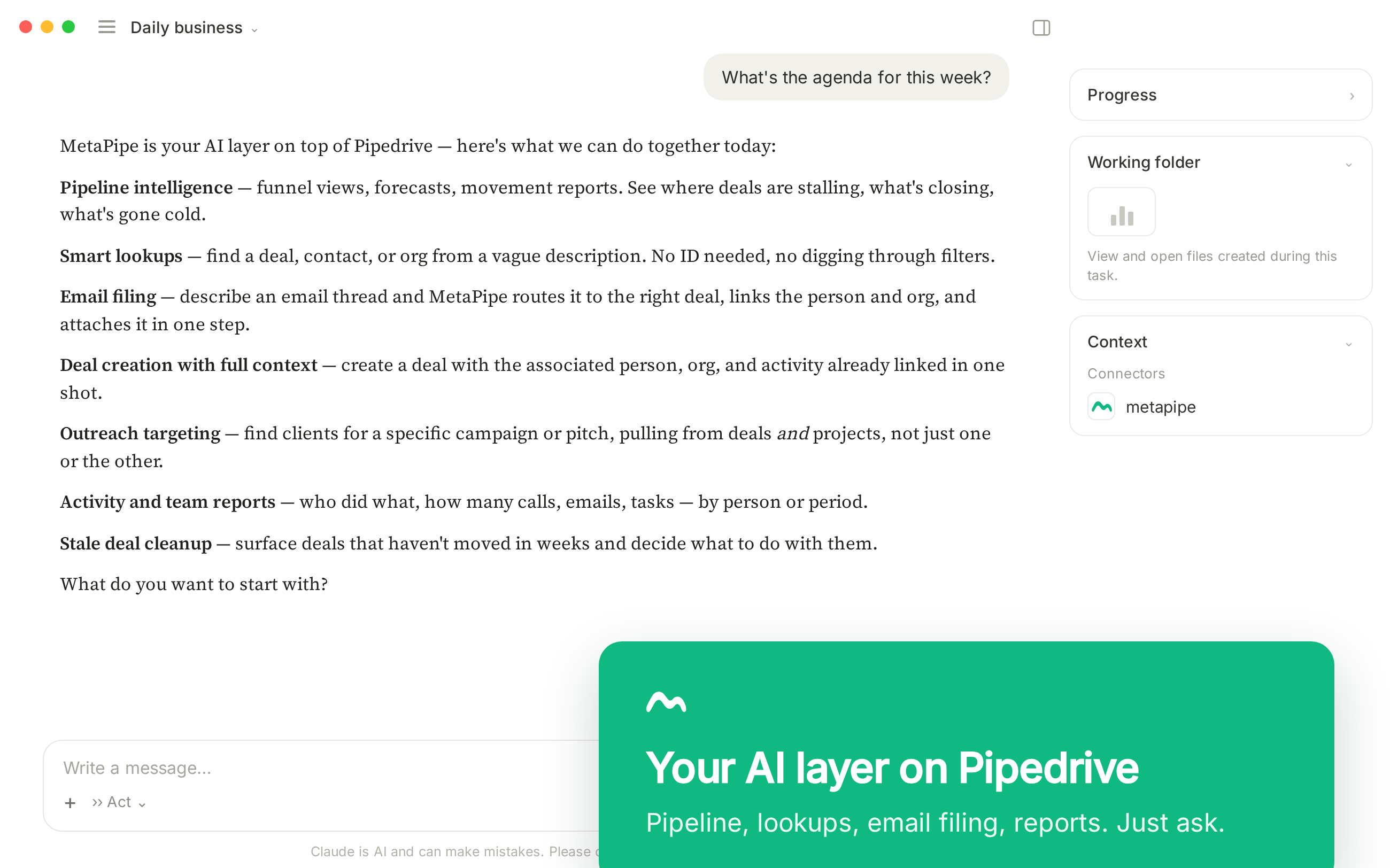
MetaPipe is a connection between your AI assistant and your Pipedrive account. Not a chatbot bolted onto the side of your CRM. A direct line: when you ask Claude, ChatGPT, or Gemini to do something in Pipedrive, it calls the real Pipedrive API and does the work.
That last part is the whole point. Your AI doesn’t guess at field names or invent a deal that isn’t there. It calls a tool, gets real data back, and acts on it.
The problem it solves
Ask a plain AI to “update the Apple deal” and one of two things happens. It can’t — it has no access to your CRM. Or worse, it confidently makes something up: a field that doesn’t exist, stats that are hallucinated, a quiet failure you only notice at the month-end.
Most teams underuse what they already pay for. MetaPipe changes that by giving the AI hands instead of giving you AI’s opinions.
What it can do
Three real prompts:
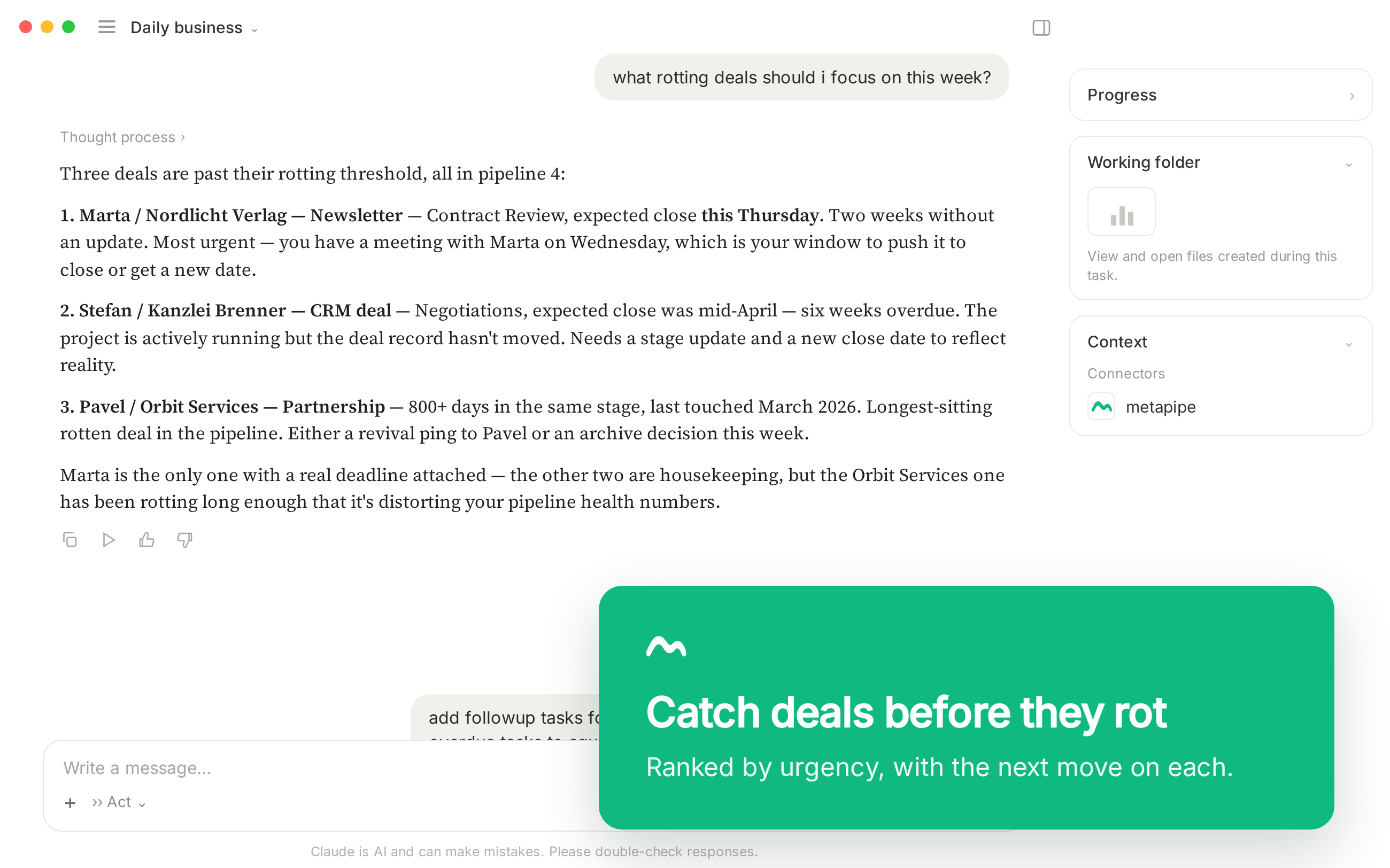
“Show me deals stalled more than 14 days in the Sales pipeline” Returns a table — all stale deals with links, last-touched timestamps, owner, value, days idle.
“Find emails from acme.com and propose a deal” Pulls the thread, matches the contact, drafts a deal with title, value, and expected close — ready for you to confirm.
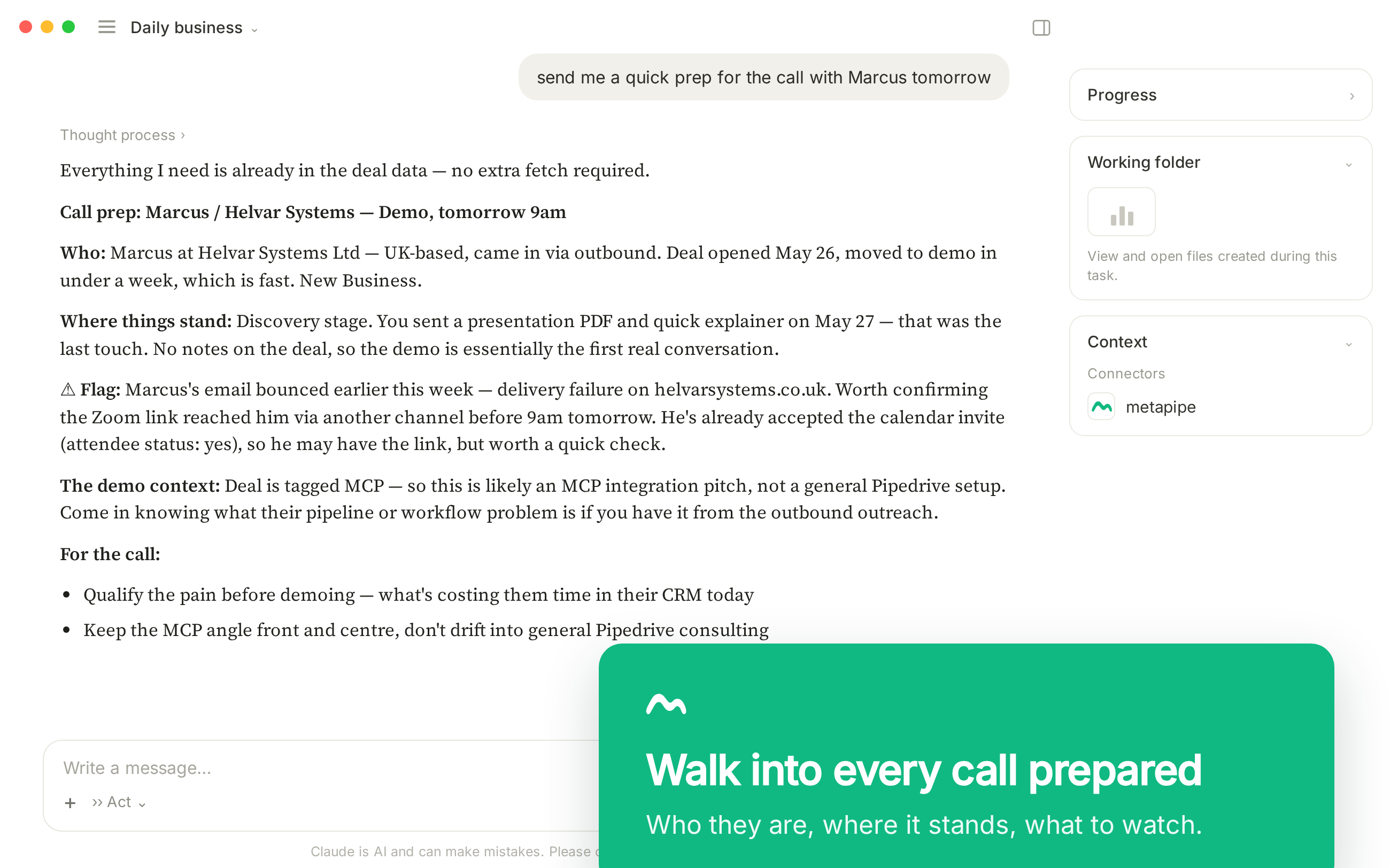
“Check meeting notes on the Apple account and add project tasks from those” Resolves “the Apple account”, locates the project, adds tasks, assigns team members, sets due dates. One sentence, half a dozen API calls under the hood.
How it works
MetaPipe runs as an MCP server — MCP being the open standard that lets an AI assistant use external tools. It works with Claude.ai, the ChatGPT desktop app, Gemini in the terminal and Microsoft Copilot.
You buy a license, get a key, and connect with the same login — Google, Microsoft Login, or email. MetaPipe recognises your license and connects automatically.
Under the hood: deals, leads, persons, organizations, activities, products, fields, projects, pipelines, and stages. Everything Pipedrive’s API offers is covered. Reporting and pipeline forecasting are baked in. New tools ship every week, and they’re all included.
What we left out on purpose:
Both MetaPipe and MetaHub have no delete tools by design. We don’t want your AI to “clean the mess” it made while experimenting. Instead, both tools provide guidance on how to safely delete records directly in Pipedrive or HubSpot.
MetaPipe vs a plain AI prompt
A plain prompt has no hands. It can describe what you should do in Pipedrive; it can’t do it. And when it tries, it guesses — field names it hasn’t seen, tax logic it half-remembers.
You can tell Claude Code to read the API and write scripts, but that means dedicated development time and deep understanding of Pipedrive’s API. As well as nuances like “always link tasks to contacts, companies and deals”, “resolve custom field names to their hash keys” and other boring technicalities.
We know, because we built it and watch AI trip over itself making mistakes with long-term implications.
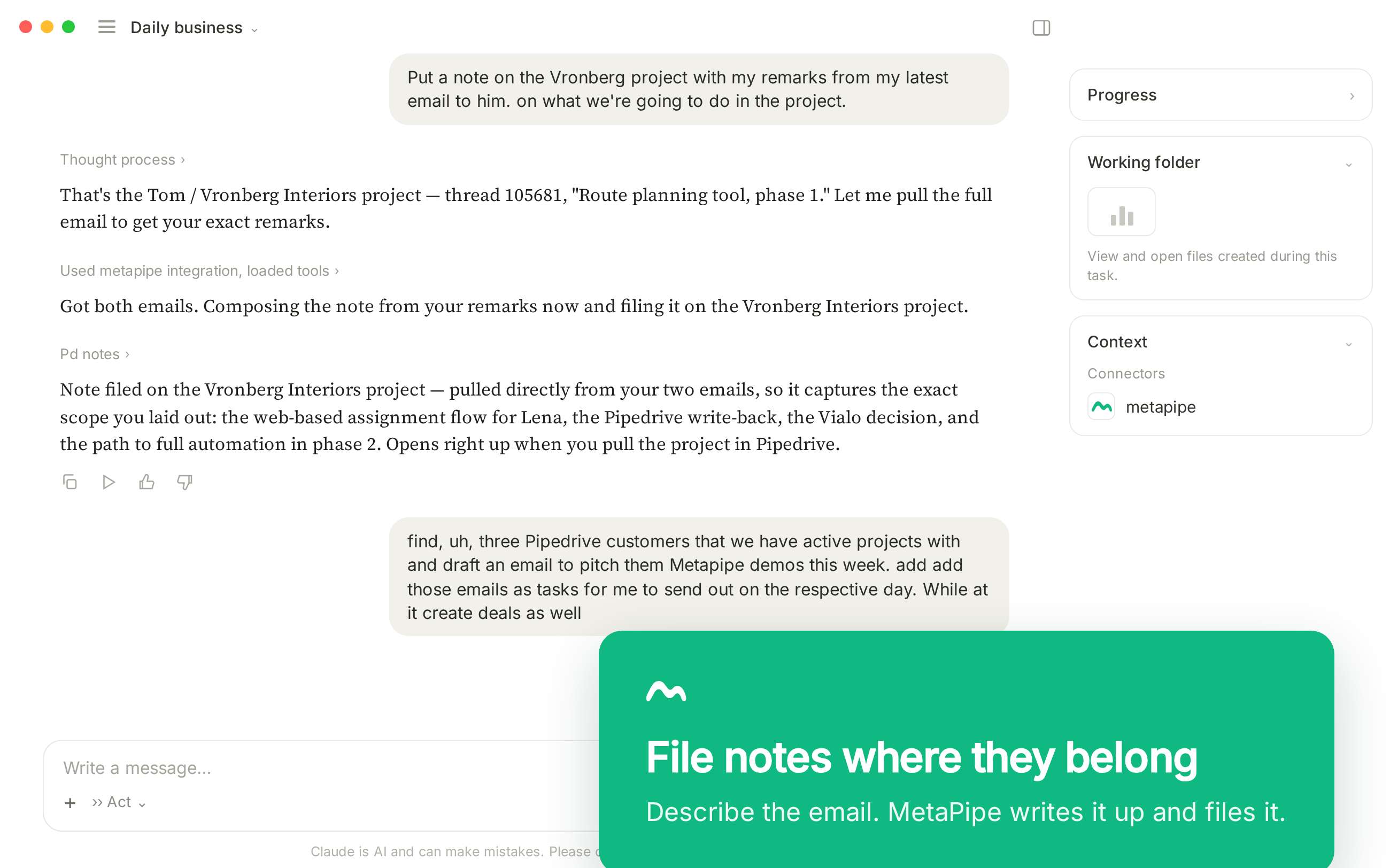
MetaPipe gives the AI over 100 tools with strict schemas. No hallucinated fields. No quiet failures or wrong assumptions that went unvalidated. Real data in, real changes out, with execution you can check.
MetaPipe and MetaHub vs the official MCPs
MetaHub is the same engine pointed at HubSpot — tools across deals, leads, contacts, organizations, activities, products, fields, custom objects, pipelines, and stages. Full CRUD, not read-only.
A generic, vendor-shipped MCP gives your AI a thin layer over the raw API. The difference here is the tool surface. We design CRM systems for a living, so the tools are opinionated: reporting and forecasting are built in, line items and custom fields are handled properly, and the schemas reflect how teams actually work. Not just what the API technically exposes.
The official MCP relies on your AI’s suggestions on what a well-designed CRM is and how to tackle your business problems.
That’s usually a “Great idea! Let’s do it your way!” — rarely how an expert would approach it. MetaPipe and MetaHub both have our decade of experience baked in and prevent you from making long-lasting mistakes.
Reporting, forecasting, and a cleaner CRM
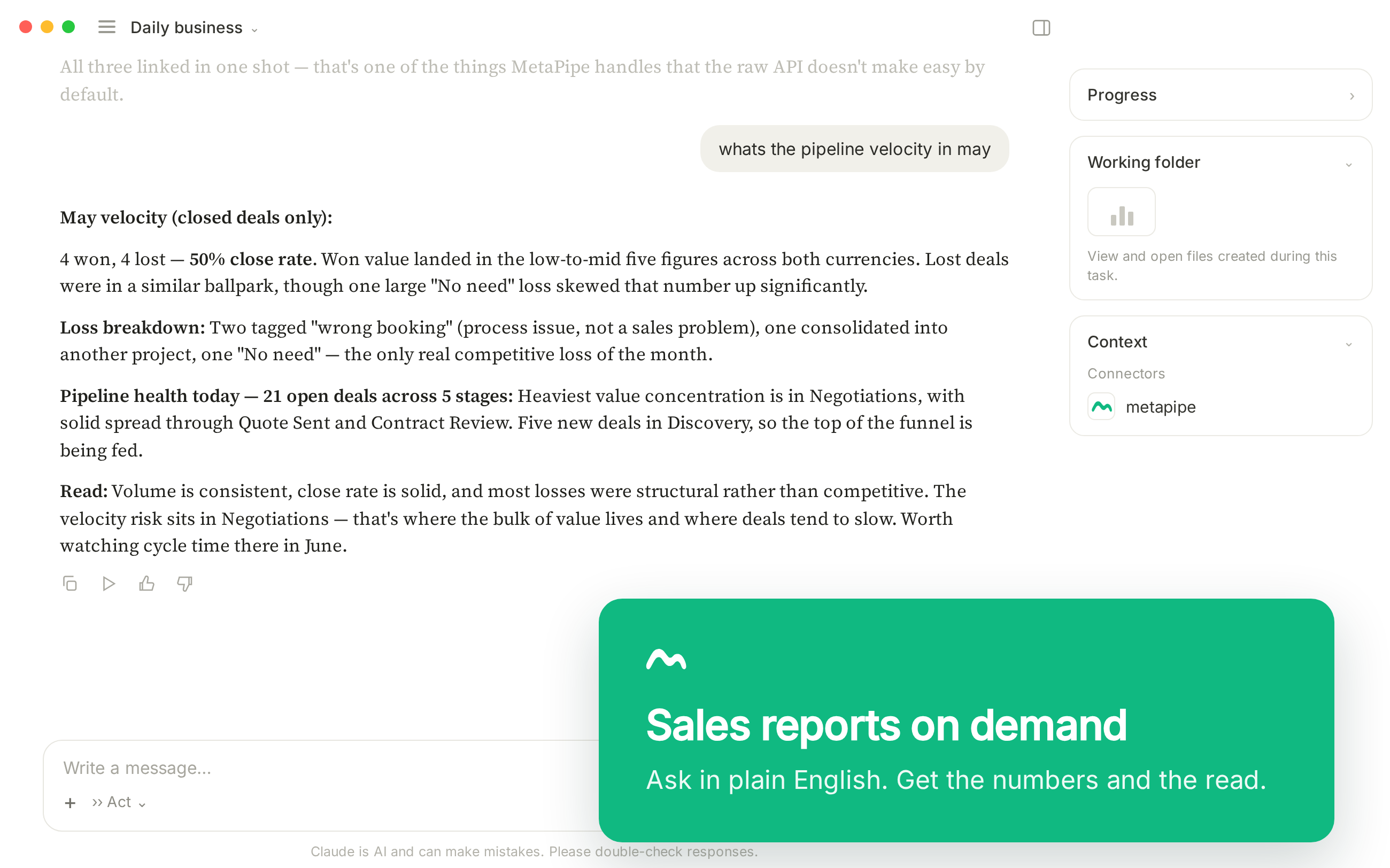
Ask for any common report by name, and you get it: pipeline funnel, forecast, movement, conversion, won and lost deals, new leads, stale deals, activity, leaderboard. Need to import a huge sheet? Hand it to your AI to normalize and deduplicate before it lands in the CRM.
There’s also a browser-based, powerful deduplication tool. The analysis runs locally in your browser; only the merges touch Pipedrive.
Built on real CRM expertise
Both tools validate your setup against our playbooks and best practices, avoiding misconceptions and gaps in the implementation. We’ve built setups big and small — and bring the right approach to whatever you’re building.
Security and licensing
Pipedrive credentials are encrypted. Your CRM data never hits our servers. All conversations stay in your AI chats, where training of general LLM can be disabled on business tiers.
Our dedup tool is designed to keep all your data on your machine. We prevent data leaks to AI or our servers in every possible way.
Getting started
Open your AI app, add the connector, sign in with your checkout account. MetaPipe’s tools are available immediately.