Blog

Tips, deep dives, and insights on CRM, automation, and integrations.

Import Data in Pipedrive: The Ultimate Guide
Pipedrive

Import Data in Pipedrive: The Ultimate Guide

In this post, we’ll cover 3 ways to import data in Pipedrive and explain the benefits and shortcomings of each.

Pipedrive vs HubSpot 2025 Review – Pricing, AI Updates & CRM Comparison
Pipedrive

Pipedrive vs HubSpot 2025 Review – Pricing, AI Updates & CRM Comparison

Compare Pipedrive vs HubSpot in 2025: pricing, AI tools, sales features, and full cost breakdown. Learn which CRM fits your business and why.

Deep Dive

Updating the note of the task created in sequences

Sequences don't allow inserting fields in notes or activity titles. But workflows do.

Update: Sort Deals in the Pipeline
Deep Dive

Update: Sort Deals in the Pipeline

New feature allows sorting the deals in the pipeline view.

Deep Dive

Automate email forwarding with AI and make.com

Let's look at email forwarding the way it should be in 2026

Advanced Pipedrive Hack: Automate Emails with Sequences + Workflows
Pipedrive

Advanced Pipedrive Hack: Automate Emails with Sequences + Workflows

This post explains how to combine Pipedrive Sequences and Workflow Automations to send automated emails from each user’s inbox. Avoid creating dozens of duplicate workflows and simplify email automation for your team with this powerful setup

Emails in Pipedrive: The Compendium
Pipedrive

Emails in Pipedrive: The Compendium

Can Pipedrive handle group inboxes? Can more than one personal mailbox be used in Pipedrive? How can visibility be restricted? What about email automation? Emails are a powerful tool in Pipedrive because Pipedrive is a sales CRM and email is crucial in sales.

How to Deactivate a User in Pipedrive: Quick Actions, Reassignment & Cleanup
Pipedrive

How to Deactivate a User in Pipedrive: Quick Actions, Reassignment & Cleanup

Pipedrive's Quick Actions feature streamlines user deactivation by allowing admins to reassign deals, leads, contacts, and activities in one interface. This guide covers the step-by-step process, manual cleanup tasks, and common mistakes to avoid when offboarding users.

Updates in Sales Inbox
Pipedrive

Updates in Sales Inbox

Sales Inbox, the humble, yet powerful email feature inside of Pipedrive got a couple of killer updates. Let’s go through them.

Pipedrive Column Filtering: Faster Deal Management with Quick Filters
Pipedrive

Pipedrive Column Filtering: Faster Deal Management with Quick Filters

Discover Pipedrive’s new column filtering update that enables instant list filtering without saved filters. Improve deal management speed and CRM workflow efficiency.

Pipedrive

Breaking change in Pipedrive: Default deal naming

Pipedrive recently changed the way deals are named by default, dropping “deal” and “lead” from the titles.

Pipedrive AI Reports: Why Results Can Be Inaccurate — and How to Fix Them
Pipedrive

Pipedrive AI Reports: Why Results Can Be Inaccurate — and How to Fix Them

Pipedrive AI reports can save time — but only if your data and prompts are set up correctly. This guide explains why AI reporting sometimes gets results wrong and what to fix in your CRM to make insights reliable.

Pipedrive Follow-Up Filter in Sales Inbox
Pipedrive

Pipedrive Follow-Up Filter in Sales Inbox

Most deals don't die because of price or competition — they die because nobody followed up. In this article, we break down how Pipedrive’s Follow-Up Filter helps sales teams uncover unanswered emails, recover silent deals, and protect revenue.

Pipedrive Products on Steroids (2025 Update)
Pipedrive

Pipedrive Products on Steroids (2025 Update)

Explore Pipedrive's 2025 products update: new subscription logic, advanced line-item configurations, AI product reports, and accurate ARR/MRR/ACV/TCV forecasting. See what changed and why it matters.

Pipedrive

Pipedrive Update: Field Descriptions in Deals

Help team members understand what specific deal fields mean with the new field description feature

Pipedrive

Sequences: Add Deals and Send Emails Automatically

Two new features that drastically improve sequencing in Pipedrive: automatic sending of emails and workflow automation actions.

Boosting Sales Efficiency with CPQ in Pipedrive: PandaDoc vs SmartDocs
Pipedrive

Boosting Sales Efficiency with CPQ in Pipedrive: PandaDoc vs SmartDocs

Card Customization: Show what matters in pipeline view
Pipedrive

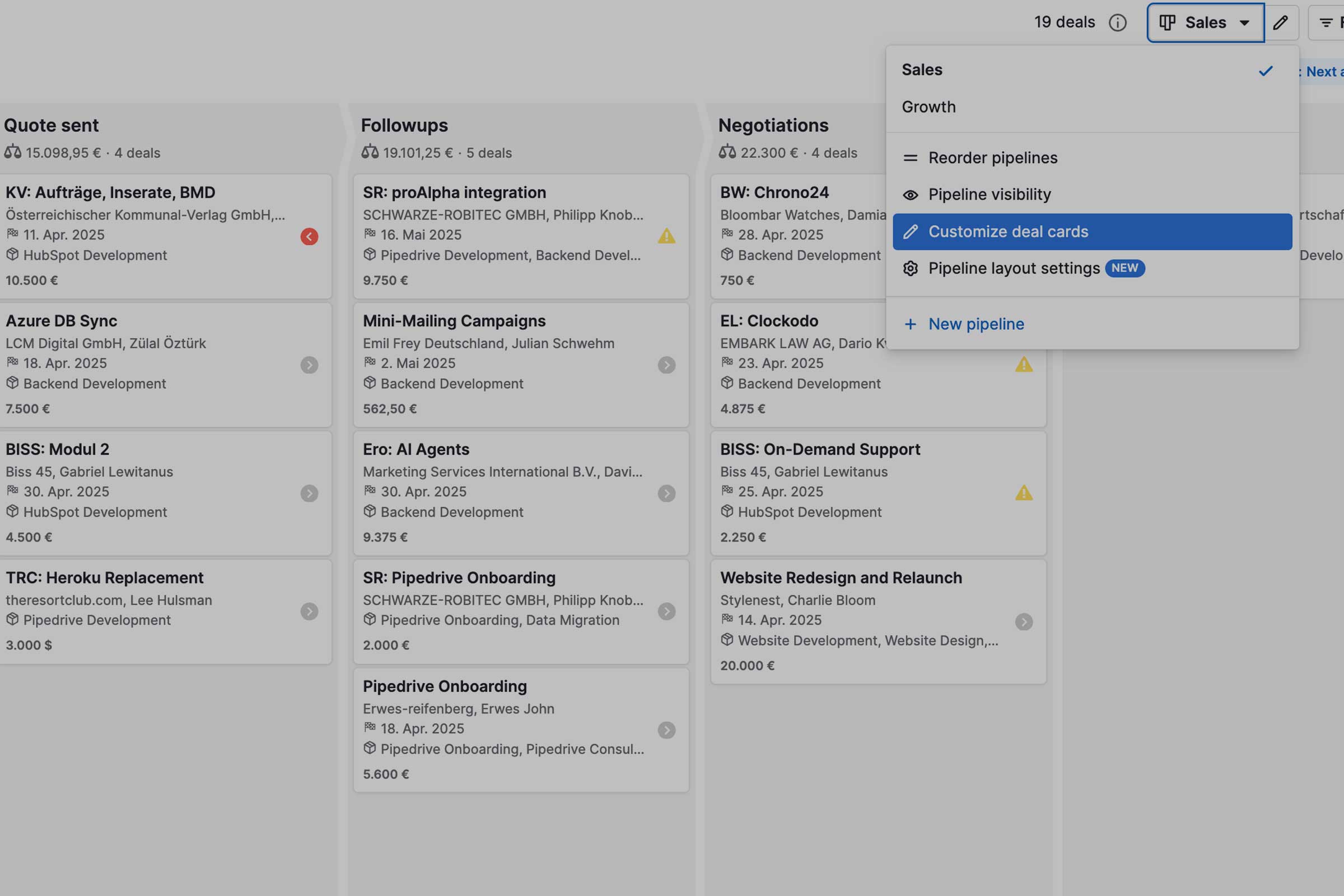
Card Customization: Show what matters in pipeline view

Deal cards in the pipeline overview can contain any fields from deals, contacts and companies. This also allows for more useful labeling of deals, which is clearer in the pipeline view.

Updates

Change Trigger in Automation

New update in pipedrive allows changing the trigger in automations, which simplifies cloning of workflows.

Contacts Timeline: The Quickest Way to Stay in Touch with Clients and Leads
Pipedrive

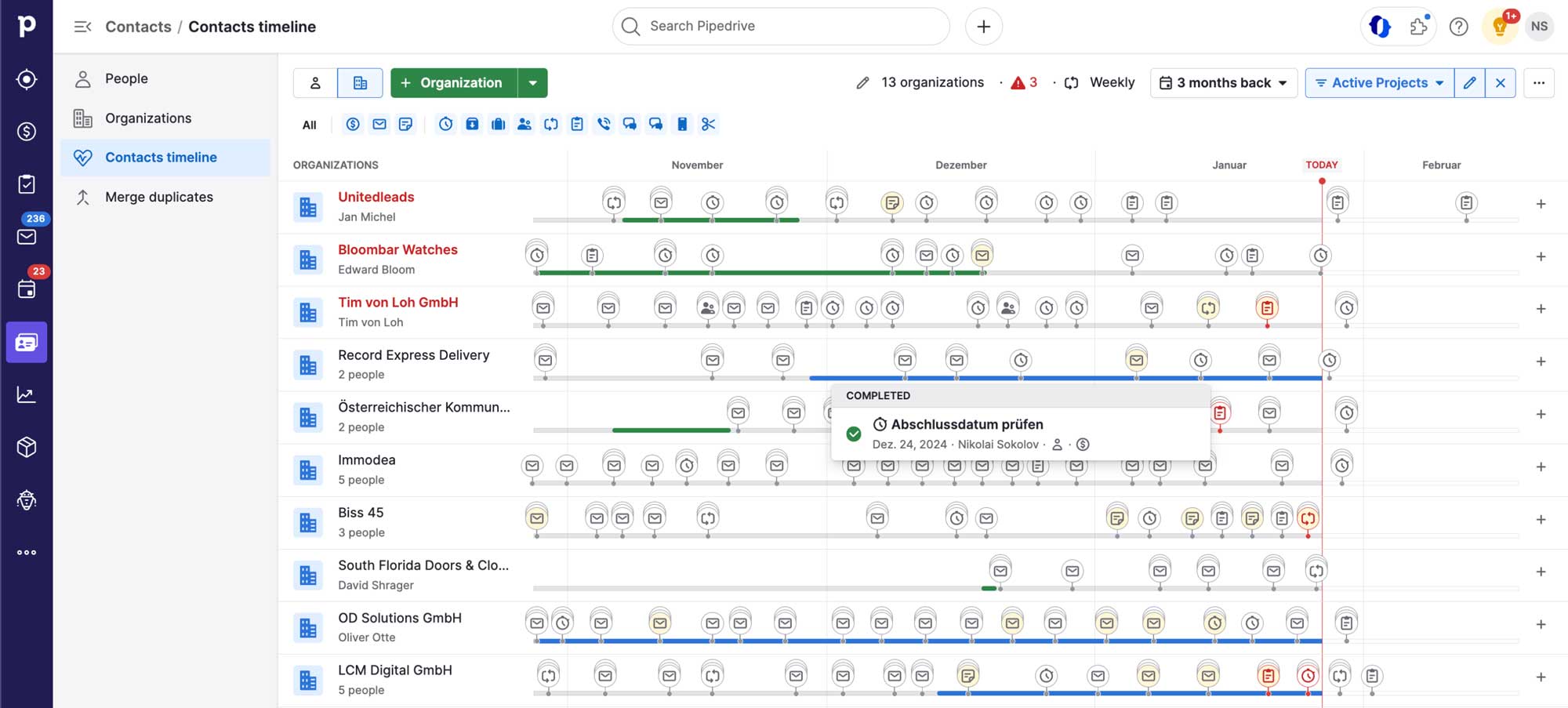
Contacts Timeline: The Quickest Way to Stay in Touch with Clients and Leads

Contacts Timeline is a unique feature of Pipedrive. A super easy and convenient way to stay in touch with your prospects and clients. Keep the tabs on open deals? Follow-up with new leads? Have important deadlines in check? Timeline makes it easy.

Date Triggers in Workflow Automation
Problem: Solved

Date Triggers in Workflow Automation

Date-based triggers in HubSpot come at a premium of 600$/mo. Date-based triggers in pipedrive are free from advanced plans up. Great for sending out meeting reminders and birthday wishes.

GDPR in Pipedrive: The Guide
Pipedrive

GDPR in Pipedrive: The Guide

On Pipedrive's GDPR compliance and what to keep in mind when working with advanced Pipedrive features.

How to Make Calls from Your Mobile Phone in Pipedrive (2025 Guide)
Pipedrive

How to Make Calls from Your Mobile Phone in Pipedrive (2025 Guide)

Learn how to call from your mobile phone in Pipedrive, sync calls with your desktop, and log every conversation automatically. Step-by-step 2025 guide.

New Pipedrive Feature: Bulk scheduling
Pipedrive

New Pipedrive Feature: Bulk scheduling

Another silent rollout of a highly useful feature. Schedule follow-ups to hundreds of deals with 2 clicks.

Pipedrive Pulse: A Real-Time Window into Sales
Pipedrive

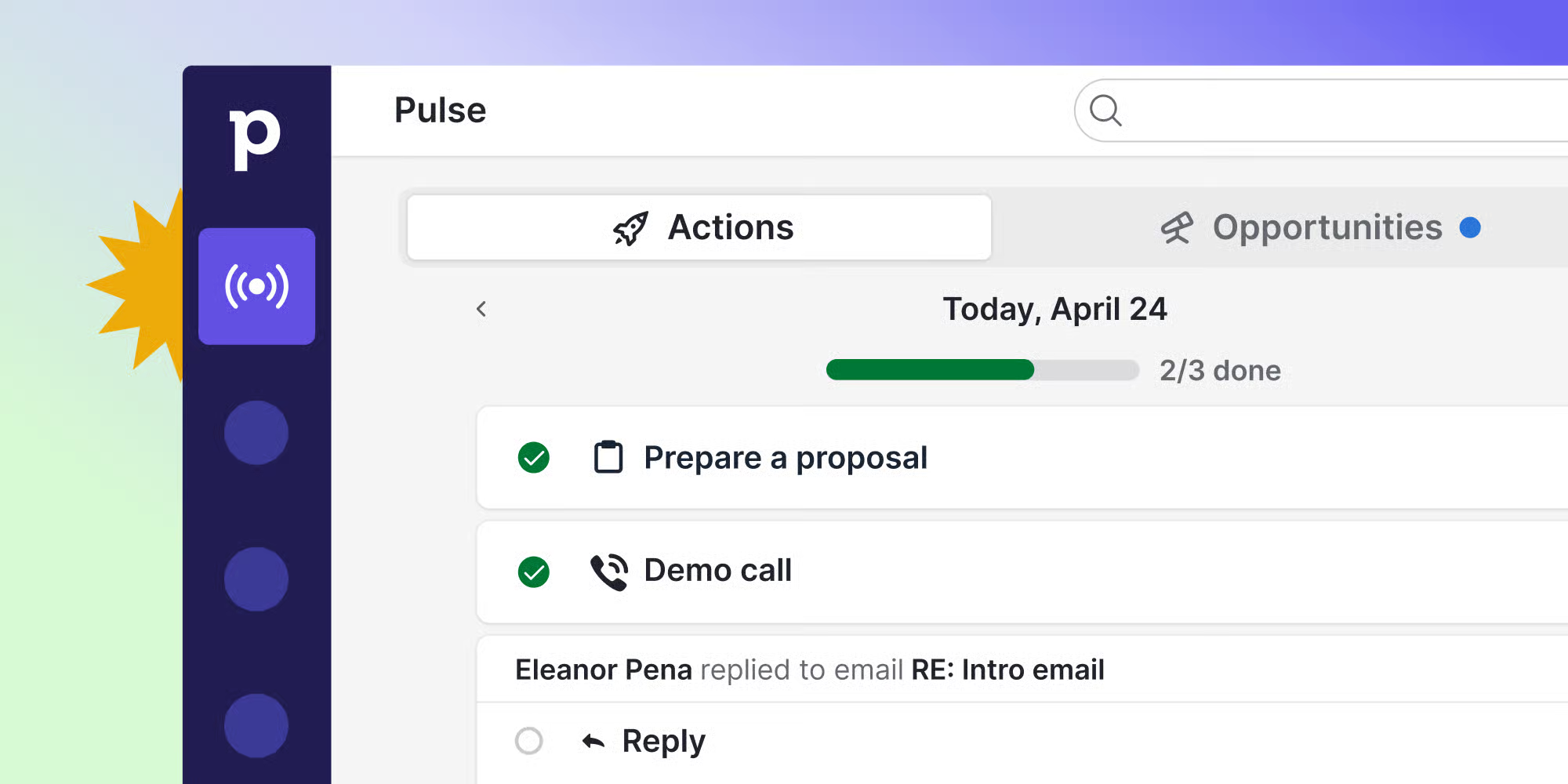
Pipedrive Pulse: A Real-Time Window into Sales

Pulse is the long awaited update for Pipedrive with Lead Scores, Sequences and Activity Feed. The unique change is how all those features are visible and actionable of one tidy page which is designed to do one thing: let you know what the next step is towards closing a deal.

Pipedrive: The Ultimate Checklist
Problem: Solved

Pipedrive: The Ultimate Checklist

Everything you need to know about pipedrive before you start.

Pipedrive

Pipedrive Update: Sequences for Leads

Sequences, the new and simplified way to create outreach funnels in pipedrive, is now available for leads.

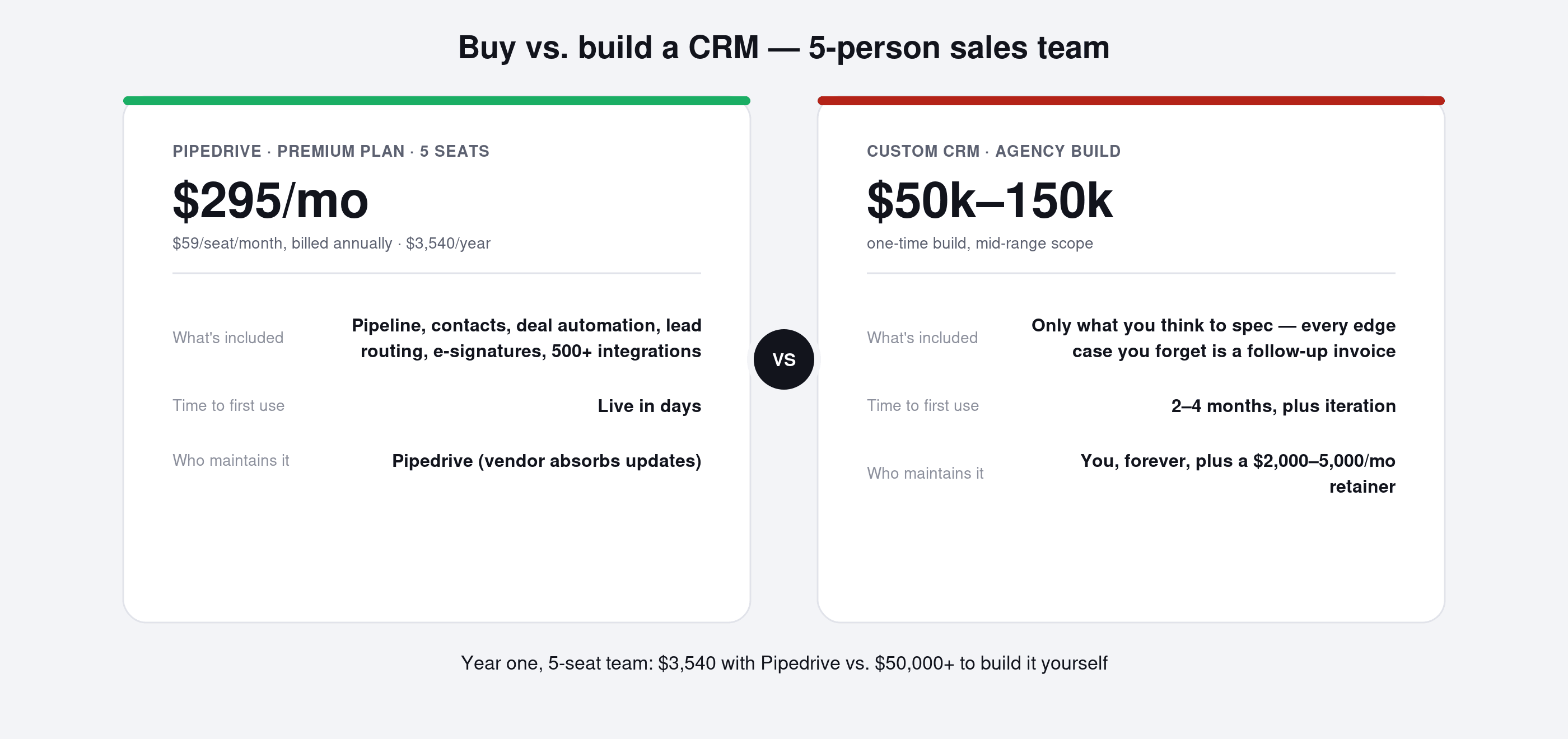
Pipedrive vs HubSpot: When to Use Which and Why?
Problem: Solved

Pipedrive vs HubSpot: When to Use Which and Why?

Pipedrive and HubSpot boast an abundance of features and are suitable for a wide range of business models. Discover which is better for your specific needs.